
Episode 02a: Introducing Ansible
A Check Point and API-centric intro to Ansible, orchestration, and automation

Second thing's second: Introducing Ansible!
In this episode, I give you a brief tour of Ansible's overall topology and structure. This isn't going to be comprehensive, because YouTube and the Internet-at-large has plenty of other fantastic resources. I’ll cover the important pieces you need to get booted for using Check Point APIs quickly.

What is Ansible and how does it work? Here's Ansible's own documentation with their high level overview.
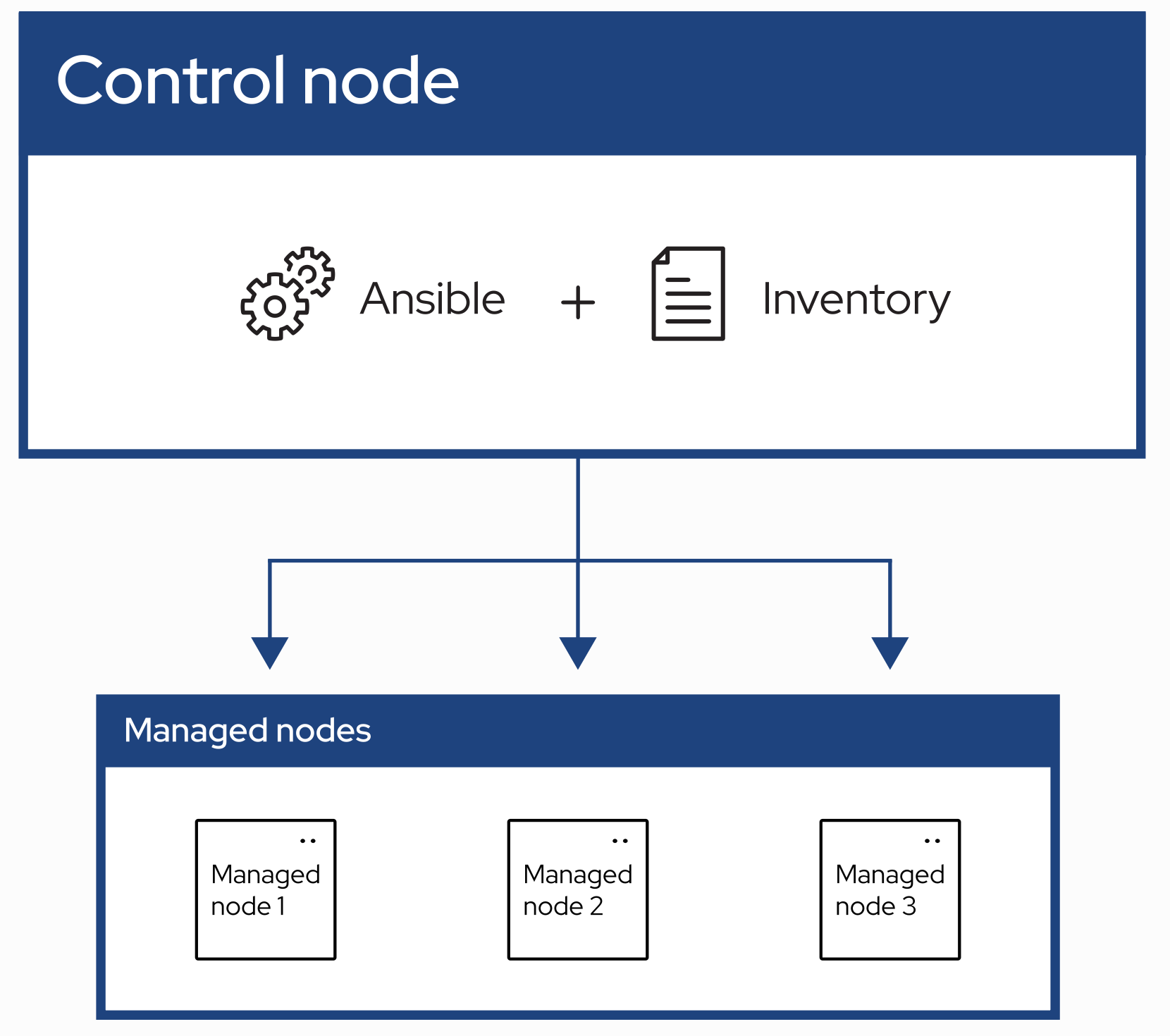
Ansible is an orchestration and automation platform. Ansible has 2 concepts of a host:
A control node, and
A managed node
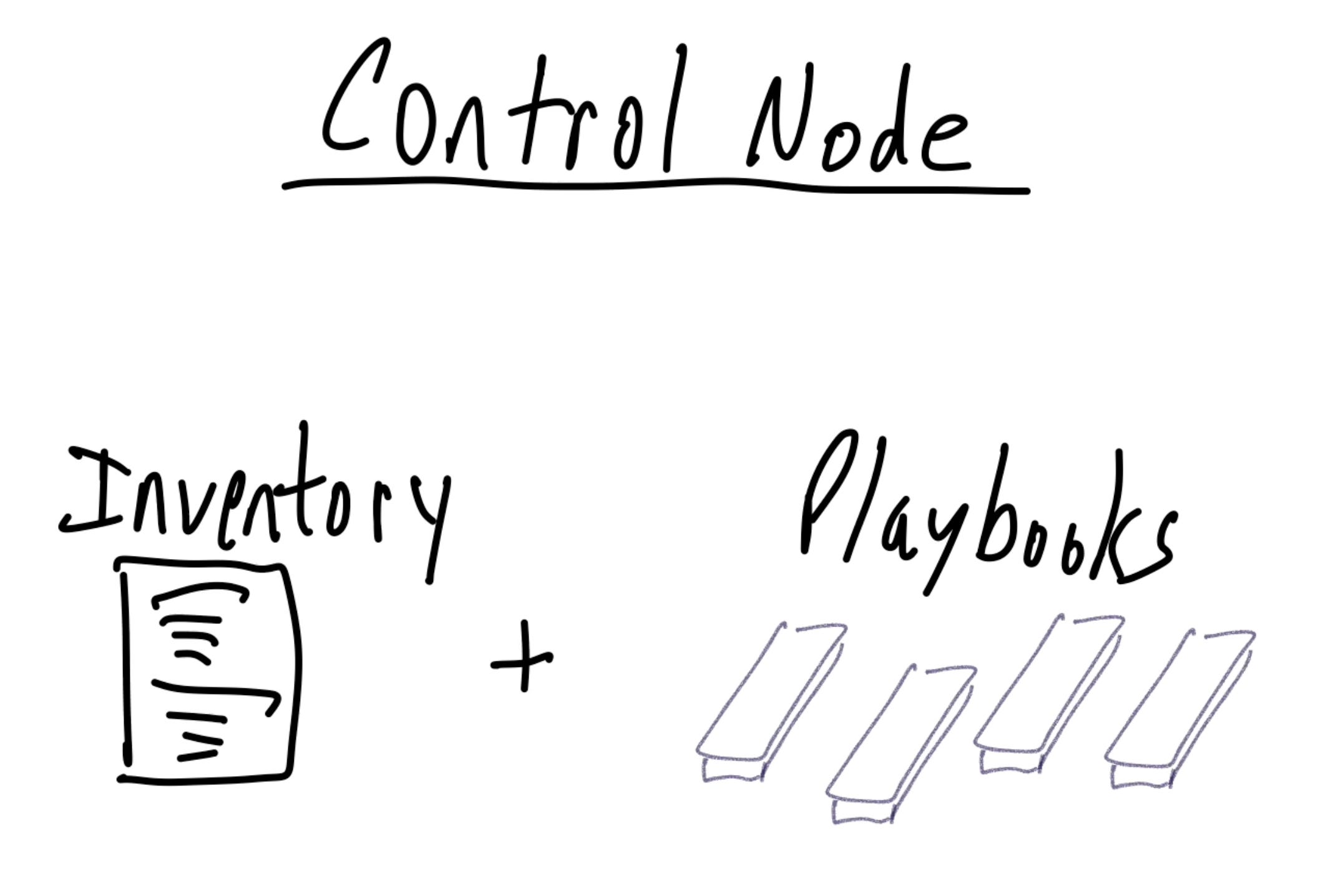
The Ansible control node runs Ansible (of course) and holds the inventory. This usually is the node where the playbooks are stored and where you run those playbooks. More on playbooks in a moment.
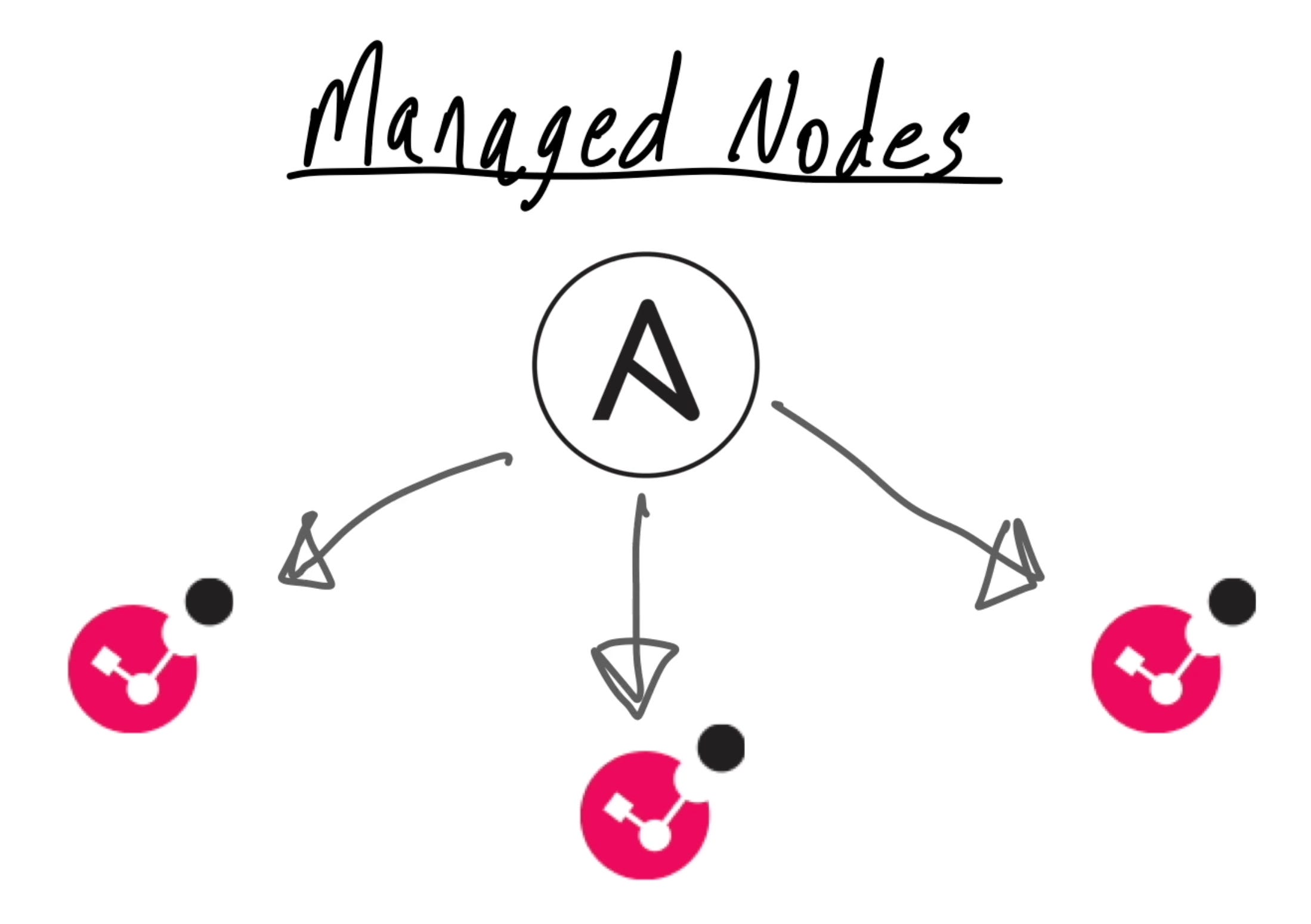
A managed node is where a specific task gets executed. Simple enough.
The control node manages several important things. The short version includes:
connection methods for the managed hosts
order of operations and parameters for the tasks
processes the results from a task
Those things are called Orchestration. Ansible is the conductor of your (virtual) symphony.
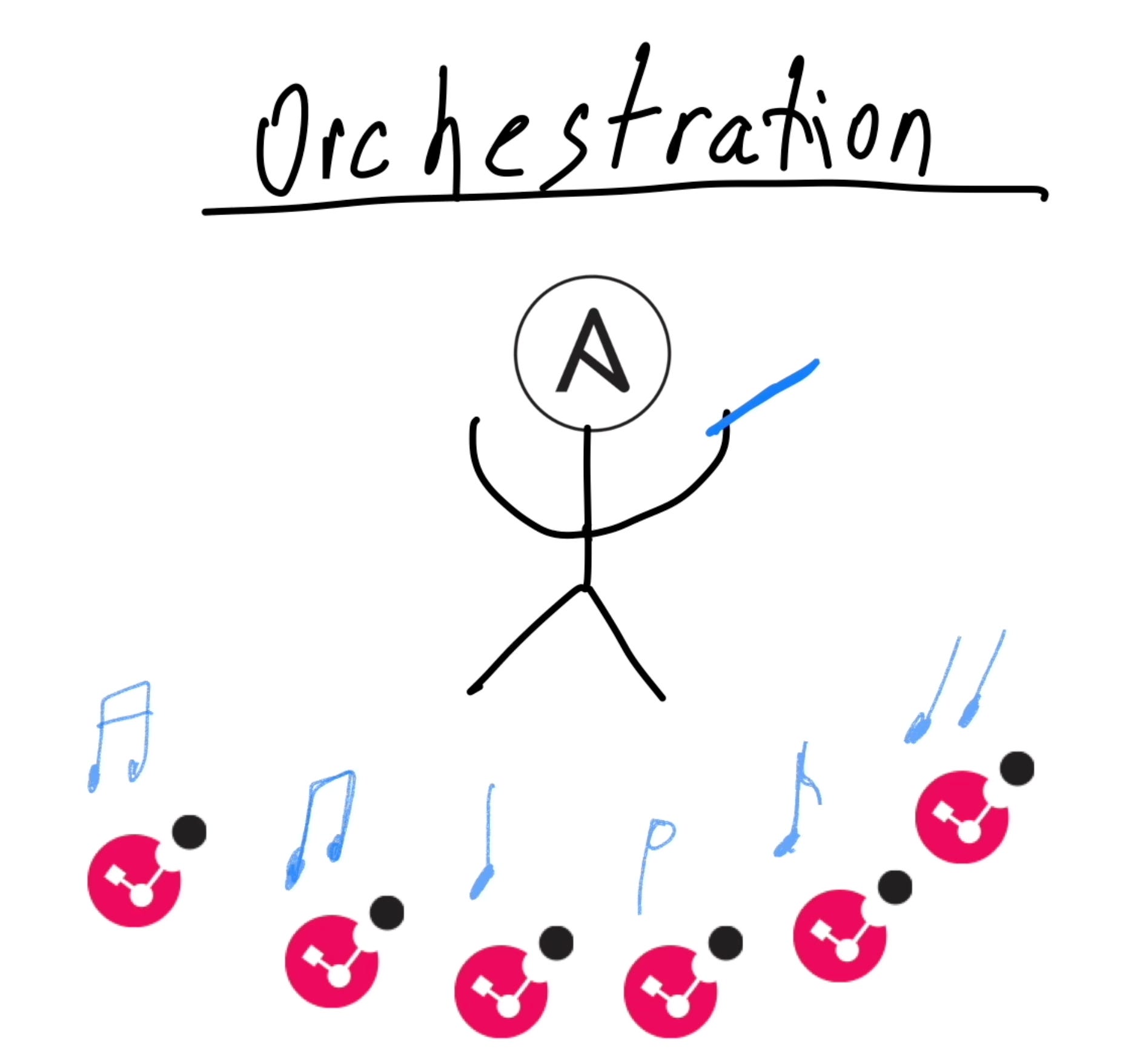
The managed nodes are the individual members of the symphony.
Here’s how Ansible works when doing typical tasks that don't involve API services:
For every task, Ansible builds a package that compiles a module and a Python wrapper to include the parameters of the task
This package is then copied to the remote managed node
That managed node executes the module and its parameters. The managed node does the hard work of getting the task done, doing it right, and reporting the results back to the control node.

If all that is Orchestration, then what is automation?
Automation is the sequence of tasks and their parameters.
These tasks and parameters are described in a playbook.
Ok… so what are playbooks? The short answer: A playbook is a collection of tasks to run, and the list of hosts to run those tasks.
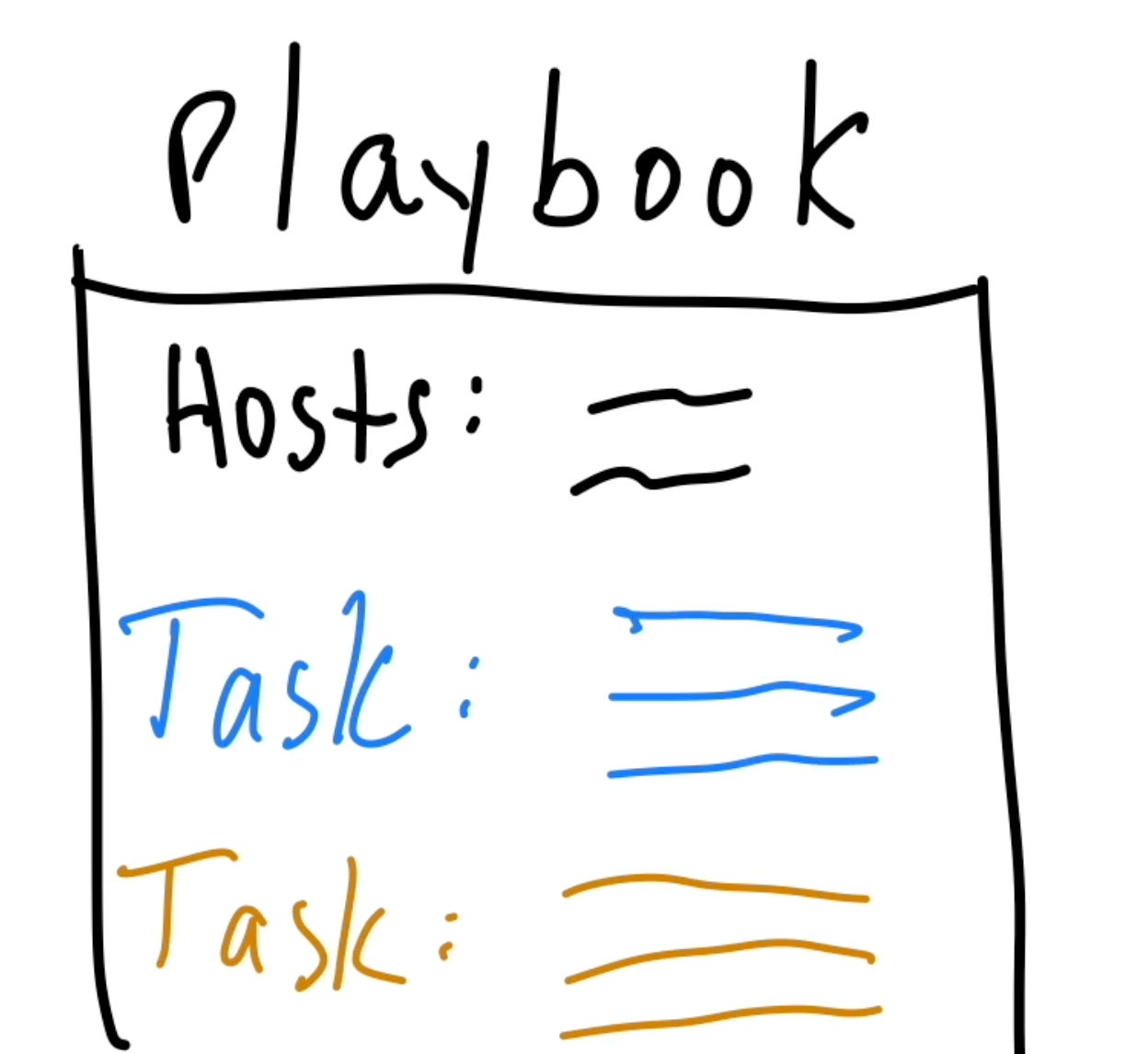
Little longer answer: The playbook lists the order in which the tasks are run1. The playbook advances through the tasks one at a time, executing that task on all nodes before proceeding to the next task in the list.
If there's a problem2, the task and the entire playbook ends... but ONLY for that one managed node! The failed node drops out of the playbook and is removed from all future tasks.
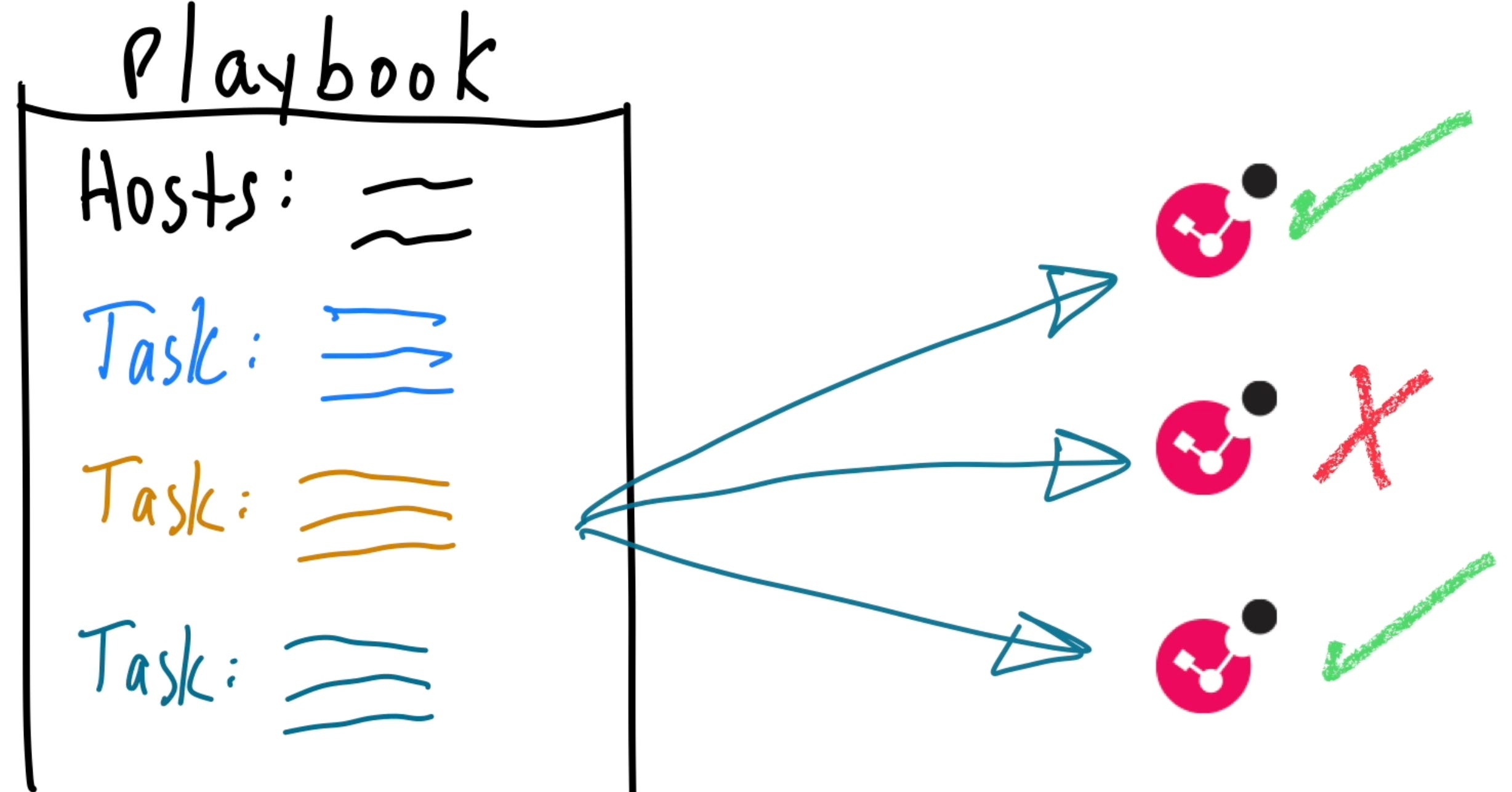
If there are multiple managed nodes in the playbook, the control node continues onward with the remaining nodes. This ensures the failed host does not continue with undefined results, which would be a terrible thing. We don't want zombies! 🧟♂️
That is a short summary of orchestration and automation concepts. If you can keep this basic model in your head, it will serve you well as you go forward.
… Buuuuut… (you saw this coming…)
There is a small exception to this scenario, however.
For API services, which is what we'll be using for our Check Point management servers (and later gateways with Gaia API), these tasks are actually run FROM the Ansible control node locally.
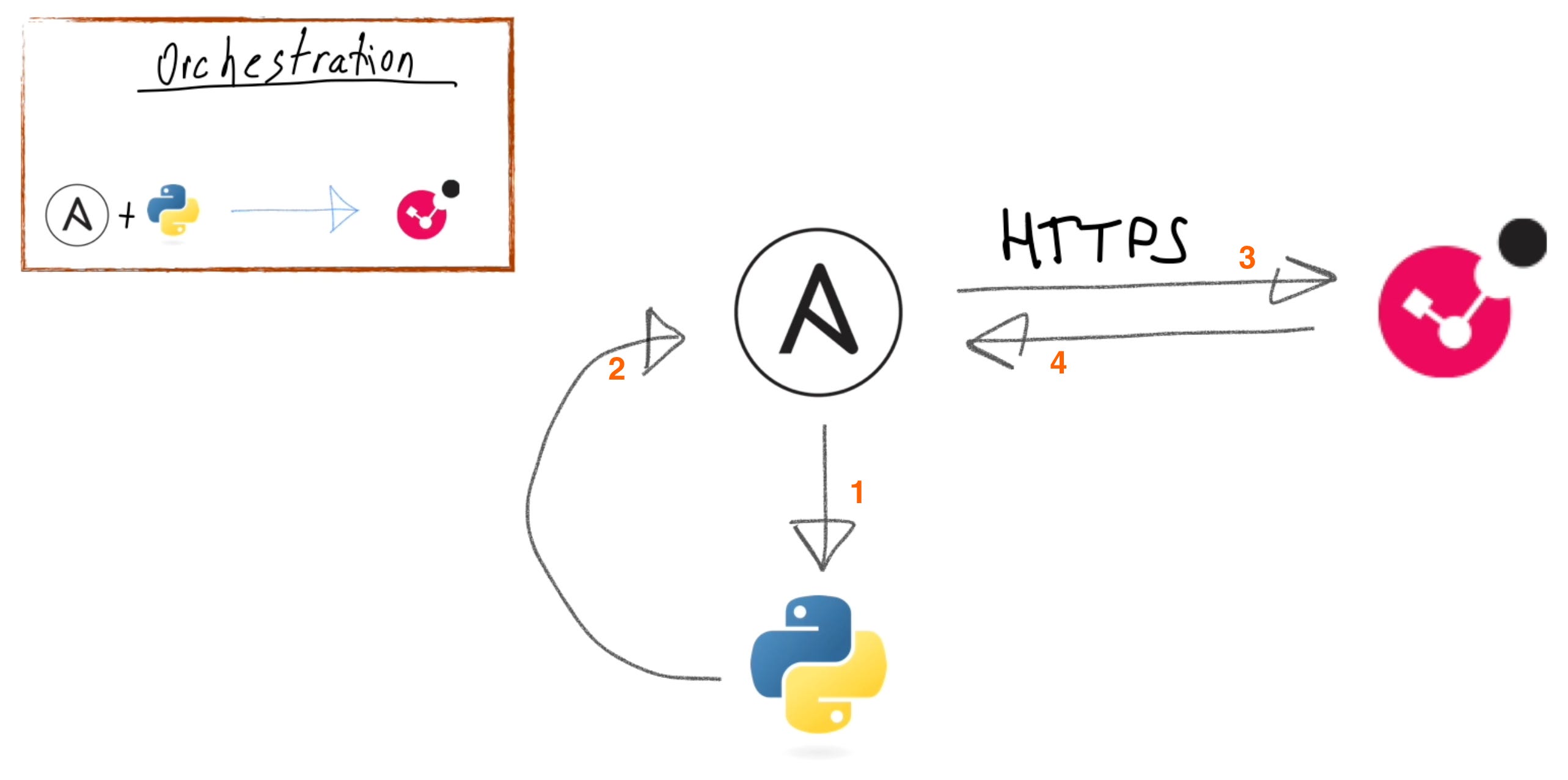
The task connection is an HTTPS session from the control node to the Check Point management server, which is why your Ansible server had to be defined as a trusted client in the last episode.
Regardless, even tho the module is run on the control node, the task is still ran AGAINST the remote API server. This makes the Check Point API server function as the managed node. Even though this is a small flip, the concept remains the same.
For those of you with Multi-Domain Server, there's a special scenario in here that we'll discuss when we start building the inventory.
That's your crash-course on Ansible and its operations. Here are some other resources for more info:
The Ansible documentation is a fantastic resource. Bookmark it, pin the tab, add to favorites, whatever works for you. You'll want to come back here time and time again.
StackExchange and StackOverflow are also good resources to find how someone else accomplished any similar task or problem you may be trying to solve.
The CheckMates API/CLI discussion board is a great resource for Check Point specific items and where you’ll find me as an active contributor.
Installing Ansible
Now you need to install Ansible. You have 2 main choices: Linux or Mac. Ansible does not run on Windows.
Ansible can run in a Docker container on Windows. For Mac, you can use Docker or install Ansible natively with Homebrew. For Linux, you can also use Docker or run it natively, or both. For this series, tho, I'm actually going to use Ansible in a Docker container on my M-series MacBook.
Native:

Docker:

Here's a VERY short "Why Docker?" speech:
Docker will give you a freeze-frame snapshot of a working environment. You can certify that specific Docker container for yourself as "I know for a fact that this works". You can lock the container to a specific version of Ansible, Python, and the Ansible modules. Regardless of what updates happen to your underlying host, this container never changes. If you want to test another version of Ansible, Python, or modules, you can build a new container then test your playbooks and modules without affecting the known-good container.
A feature of Docker is that you can map volume paths from your host machine into the container. This lets you keep your volatile items out of the container and access them only when the container runs. For this purpose, my Ansible container won't be running all the time; I will run it when only when I need to execute a playbook. You could even install Ansible modules outside the container if you wanted, such as if you were developing your own Ansible modules or if you wanted to test an unreleased version of vendor modules.
I will post my Docker configuration items to the GitHub repo for this series, along with HOWTO instructions for Mac. You can fetch those to build your own container.
Docker speech is done. I said it was short!
How do you install Ansible? Use your Linux distribution's package manager to install Ansible, or get yourself a Docker container going. I'm not going to burn time here describing the details on how to install Ansible, because the Ansible documentation has that info already, as do other folks on YouTube.
These commands will get your started, however:
pip install ansiblednf install ansibledocker build -t my/ansible
In the next post, I’ll go over part 2, in which you get your environment setup, check the main configuration file, and run your first Ansible command!
Participles are hard. https://www.grammarcheck.me/run-vs-ran/
“Yo, I’ll solve it..” https://en.wikipedia.org/wiki/Ice_Ice_Baby (..i’m not proud of this..)